

DuneTraq / Garage

Every rig
has a story.

The vehicle is part of the drive. Give yours a home in DuneTraq: the name, the photos, the setup and the desert trips that make it your rig.

Explore Garage
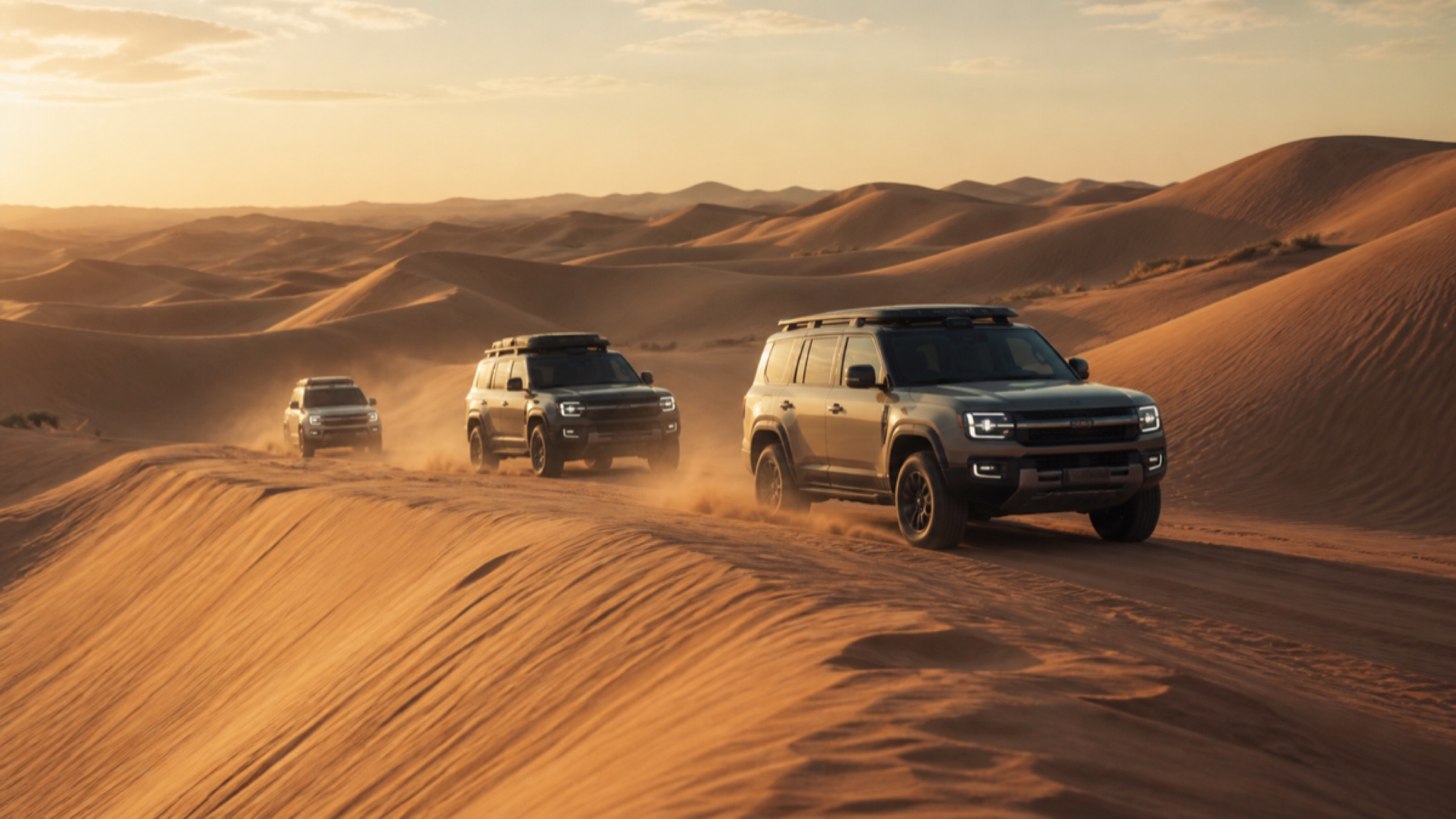
Desert-drive visual depicting a 4x4 convoy
DESERT DRIVE VISUAL · GARAGE EXPLAINER
01

Make the vehicle yours.

Add your vehicle to Garage with a nickname and its make, model and year. Build out the details of your setup and add a cover photo and gallery. A vehicle profile brings those pieces together, so the rig has an identity beyond a name in a trip list. If you drive more than one vehicle, keep separate entries for each.

02

Keep the setup with the rig.

Record modifications on the vehicle they belong to. Your Garage gives photos, specifications and modifications a shared home, making it easier to show the crew what you drive. It is a place to present your build and its history; a modification entry is not a certification that a vehicle is suitable for a particular terrain or route.

03

Connect the rig to the drive.

Vehicle-linked trips build a record of what a particular 4x4 has done: desert distance, trip count, climb and other recorded driving statistics. Choose the vehicle you are driving so new trips have the right context. Your public driver profile can also show your garage, connecting the driver people recognise with the vehicles behind the drives.

Make it part of your next drive

From the app.
Into your day.

01

Add your vehicle

Open Garage and enter the vehicle's identity. Give it a nickname that your crew will recognise.

02

Show the setup

Add your own vehicle photos, complete the details and record the modifications you want to show.

03

Choose it for the drive

Select the vehicle you are using before recording. Review its linked drive history as the trips add up.

A few useful answers

Before you head out.

Can I keep more than one vehicle in Garage?

Yes. Garage supports separate vehicle entries, so each rig can have its own details, photos and recorded trip context.

Does Garage include vehicle photographs?

Yes. You can add a cover photo and a vehicle photo gallery. Use your own photographs to show the vehicle and its setup.

Is Garage a maintenance or vehicle diagnostics service?

This page describes vehicle profiles, photos, modifications and linked driving statistics. It does not promise service scheduling, OBD diagnostics or a mechanical inspection.

Your next drive starts here

Bring your crew.
Make it yours.

Free to download for iPhone and iPad. Explore the app, then take your driver story into the dunes.

Get DuneTraqInterested in Android? Join the beta waitlist.